Article
How to Resolve “User Credentials Exposed” Issues
Stance has detected that login credentials from your organization were recently leaked, posing a risk of an unauthorized access. This guide explains how to verify the rules and secure the account.
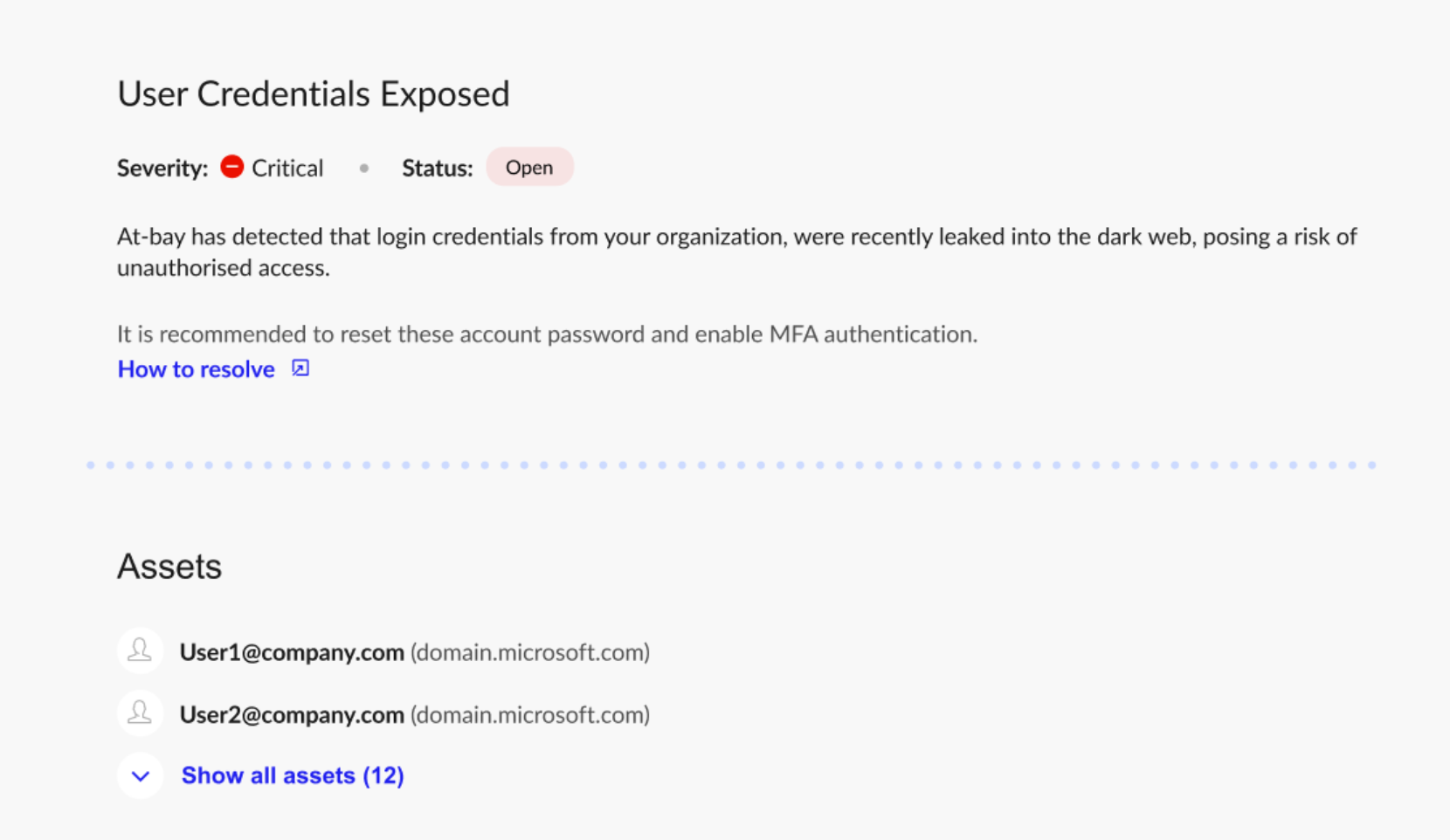
At-Bay Stance has detected that one or more user login credentials from your organization were recently leaked into the dark web. This can happen through a third-party breach, phishing, or info-stealer malware.
Step 1: Reset the Credentials
Reset the password for each affected account immediately.
Also:
- Require a strong, unique password
- Sign the user out of active sessions / revoke active tokens or persistent sessions
- Verify MFA is enabled / re-register MFA if compromise is suspected
If the same password is known to have been reused elsewhere, reset it there too.
Step 2: Check for Suspicious Activity
Review the affected accounts for signs of misuse, such as:
- Unusual login activity
- Logins from unexpected locations or devices
- Changes to account settings
- New app connections or delegated access
- Unexpected privilege changes
If you find suspicious activity, investigate the account as a possible compromise.
Step 3: Check for Info-stealer Malware
Credential exposure can indicate that the user’s device was infected with info-stealer malware.
For each affected user:
- Run endpoint detection or antivirus scans
- Investigate the device for malware
If the device is still infected, new credentials may be stolen again.
Step 4: Strengthen Account Security
To reduce future risk:
- Require MFA for all users
- Use a password manager
- Require unique passwords
- Remove inactive accounts
- Limit admin access
If you have additional questions, contact our support team at security@at-bay.com or via chat. We’re here to help keep your organization secure.